
Building A GA4 Exploration Report To Measure Recognition Proxies

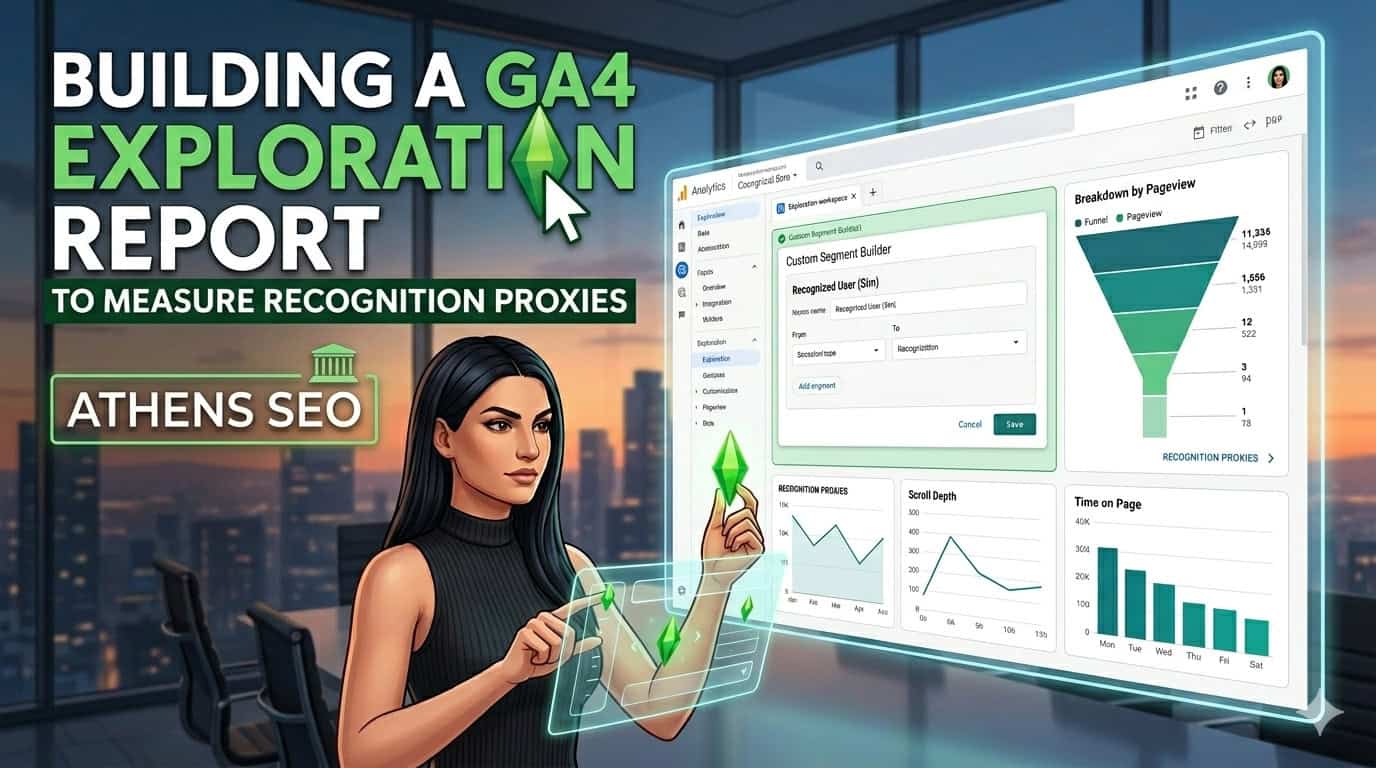
Measuring brand recognition is one of the most challenging things in digital marketing. You can’t directly ask GA4 to learn if someone knows your brand. But you can look at the behavioral signals that emerge when they do. These are recognition proxies, and with the right Exploration report, they become surprisingly readable.
The challenge is that most teams don’t get beyond standard reports. They look at sessions, bounce rates, and conversion numbers and assume they have a complete picture. But standard reports in GA4 are intentionally limited. They’re designed for a broad audience, not for the kind of nuanced analysis that brand measurement truly requires.
That’s where GA4 Discoveries come in. And once you understand how to create one, especially for recognition proxies, you’ll start seeing signals in your data that have always been there but never surfaced.
What Recognition Proxies Actually Are
Recognition proxy is a behavioral metric that, while not directly measuring it, can be correlated with brand familiarity. The idea behind it is simple: people who already know your brand behave differently from those encountering it for the first time.
They are more likely to type your brand name directly into the search bar. And they are more likely to arrive via direct traffic. They tend to engage more deeply with content, spend more time on pages, and return more frequently. None of these behaviors alone proves recognition. However, together, they form a directionally useful pattern.
Common recognition proxies worth tracking include:
- Direct traffic volume and its share of total sessions
- Branded organic search sessions (tracked via Search Console integration or page-level filtering)
- Return user rate and frequency of visits
- Engagement rate among returning users specifically
- Time on site for users arriving via branded channels
The goal is not to treat any single proxy as a definitive measure of brand awareness. However, it is better to observe several of these together over time and look for a consistent directional trend. This is where GA4 Explorations become truly useful.
Why Standard Reports Won't Get You There
GA4’s built-in standard reports are designed for broad consumption. They show sessions, users, conversions, and top channels, etc. This is useful for a quick health check. But, they don’t allow you to layer dimensions, create custom segments, or cross-reference behavioral signals in the way that recognition proxy analysis requires.
The Explorations section, which is my favorite, is different. Explorations lets you access dimensions and metrics not visible in the standard reports.
You can filter by returning users, segment by traffic source, and create custom tables that reflect your specific business questions, instead of Google’s default assumptions about what you want to see.
The downside is that Explorations require you to think before you create them. You can’t just walk into the interface and expect something useful to pop up. You need to know which proxies you’re measuring, which dimensions to use to slice them, and what kind of output will actually be readable.
Setting Up The Exploration: Variables First
Before touching the canvas, spend some time in the Variables panel. This is the inventory step, and getting it right makes everything easier.
- Start by giving your exploration report a specific name. When you come back to it three weeks later, or share it with a colleague, “Brand Recognition Proxies – Q3” would be more useful than “Exploration 1.”
- Deliberately set your date range. Recognition signals tend to move slowly, so a 90-day window usually gives you more signals than a 30-day one. If you’re running a brand campaign, set the window to include the preceding and following weeks so you can check for movement.
- For dimensions, you’ll want to add:
- Session default channel group (Useful for comparing Direct, Organic Search, Paid, Referral and other traffic groups)
- Landing page (useful for identifying branded content entry points)
- Session source/medium (for more granular channel analysis)
For metrics, pull in:
- Sessions
- Engaged sessions
- Engagement rate
- Average session duration
- New users
- Returning users
- Total users
- Average engagement time per session
Don’t add every dimension and metric just because you are able to do so. The Variables panel works best when it’s organized and tidy. Add only what you need for this specific analysis and don’t be tempted to turn it into an aircraft panel.
Choosing The Right Technique
GA4 Explorations offers seven techniques, and the right technique depends on the question you are trying to answer. These three techniques are particularly suitable for recognition proxy analysis: Free-form, Cohort exploration, and Funnel exploration.

Free-Form Exploration
Unsurprisingly, free-form is the most flexible option. Think of it as a blank canvas where you can define exactly how the table will look. For recognition proxy measurement, free-form exploration allows you to create a custom table showing engagement rates broken down by session default channel group and new vs. returning user status, for example.
This is where you can start to see and understand what’s going on. Let’s say the number of returning users coming through direct traffic is 5K while the number of new users coming from the same channel is 1K. This difference is a proxy signal. It shows that people who already know your brand well enough to type your URL directly are more likely to engage when they arrive.
Setup is simple. Drag your chosen dimensions to the Rows section of the Tab Settings panel and your selected metrics to the Values section.
Apply filters or segments to compare the most relevant channels by recognition, such as Direct and Organic Search. Note that Organic Search in GA4 includes both branded and non-branded queries, so don’t treat it as branded search unless you validate it separately.

Cohort Exploration
Cohort exploration is useful for a different kind of question: Do users who arrive for the first time through specific channels return more frequently over time?
This technique groups users based on when they first visited and then tracks their behavior in the following weeks. A noteworthy signal is that users acquired through direct traffic show higher retention rates than those acquired through other channels. This suggests that brand familiarity at the point of acquisition may be influencing long-term engagement.
An important note: Cohort exploration becomes significantly more reliable when User ID tracking is implemented. Without it, users who clear cookies or switch devices are counted as new users again, which can distort the retention chart.

Funnel Exploration
Funnel Exploration is useful when you want to understand how long it takes for users to move from their initial visit to a meaningful action.
This can be especially helpful for recognition proxy analysis because recognition often manifests as less hesitation.
People who already know or trust a brand may not need a lot of time to evaluate it before taking action.
A simple conversion funnel steps might look like this:
Step 1: First visit
Step 2: Purchase, sign up, generate lead, request demo, or another key conversion event
This won’t tell you whether someone “recognised” your brand or not. However, it can show the time elapsed between the initial recorded step and the conversion step.
For example, if users who complete a purchase usually do so within 2 days and 16 hours of their initial visit, this gives you a useful benchmark for the decision journey.
It becomes more meaningful when you compare this across segments. For example:
- Direct traffic vs Organic Search
- New users vs established users
- Blog-entry users vs product-page-entry users
If one group consistently completes the journey faster, this could support a recognition hypothesis. This alone doesn’t prove brand recognition, but it provides a behavioral signal worth investigating. What matters is not the time elapsed alone, but the difference between the groups.
Reading The Output Without Overstating It
This is where many brand recognition proxy analysis go wrong. The numbers in your Exploration report are real, but they don’t tell the whole story.
For example, direct traffic is a fairly messy channel. It includes people who actually typed your URL, but it also captures untagged email clicks, dark social media shares, mobile app traffic, and sessions where the referring source (e.g., AI platforms) is lost due to technical reasons.
So, a spike in direct traffic might reflect increased brand recognition. But it could also reflect a poorly tagged email campaign.
The same caveat applies to returning user rates. A high return rate is a positive signal, but it’s also influenced by your product category, your content publishing frequency, and whether you have logged-in user functionality that makes returning easier.
The most honest way to use recognition proxies is to observe them directionally over a long period and compare them to other signals. If direct traffic is increasing, branded search volume (visible in Google Search Console) is also increasing, and the returning user engagement rate is also showing an upward trend, then that convergence makes sense.
Any criterion taken alone is a hypothesis. Several moving together are closer to proof.
Practical Tips Before You Build
A few things worth knowing before you start:
- GA4 generally needs 24-48 hours to fully process event data. If you’re pulling a report too close to the current date, you may be looking at incomplete numbers. For recognition proxy analysis, this matters less than it does for real-time campaign monitoring, but it’s still worth factoring in when you’re setting your date range.
- Data retention in GA4 defaults to two months. To get the most out of exploration reports, especially for trend analysis over a 90-day or longer window, you’ll want to extend this to 14 months in your property settings. This is one of those configuration decisions that’s easy to overlook and painful to discover too late.
- Explorations are not retroactive when it comes to new event tracking. If you decide to start tracking a new recognition proxy, like a specific branded content engagement event, you’ll only have data from the point you set it up. The sooner you build the report and confirm the tracking is working, the sooner you start accumulating the data you need.
- Building a GA4 Exploration report for recognition proxies should not mean getting a precise number that says “this is how much brand awareness you have.” That number doesn’t exist in any analytics platform. What you’re building instead is a directional view of behavioral signals that correlate with familiarity, tracked consistently enough over time to become meaningful.
The signals are there. You just have to know how to read them together.
Thanks for reading!
View more case studies

The Atomic Answer Framework, Localised: Winning AI Overviews Across Markets

How to Check If AI Crawlers Can Actually Reach Your Site

How to build an SEO audit that runs itself (and knows when not to send the report)